Products importation
To import a product, go to the page of a supplier with whom you are connected.
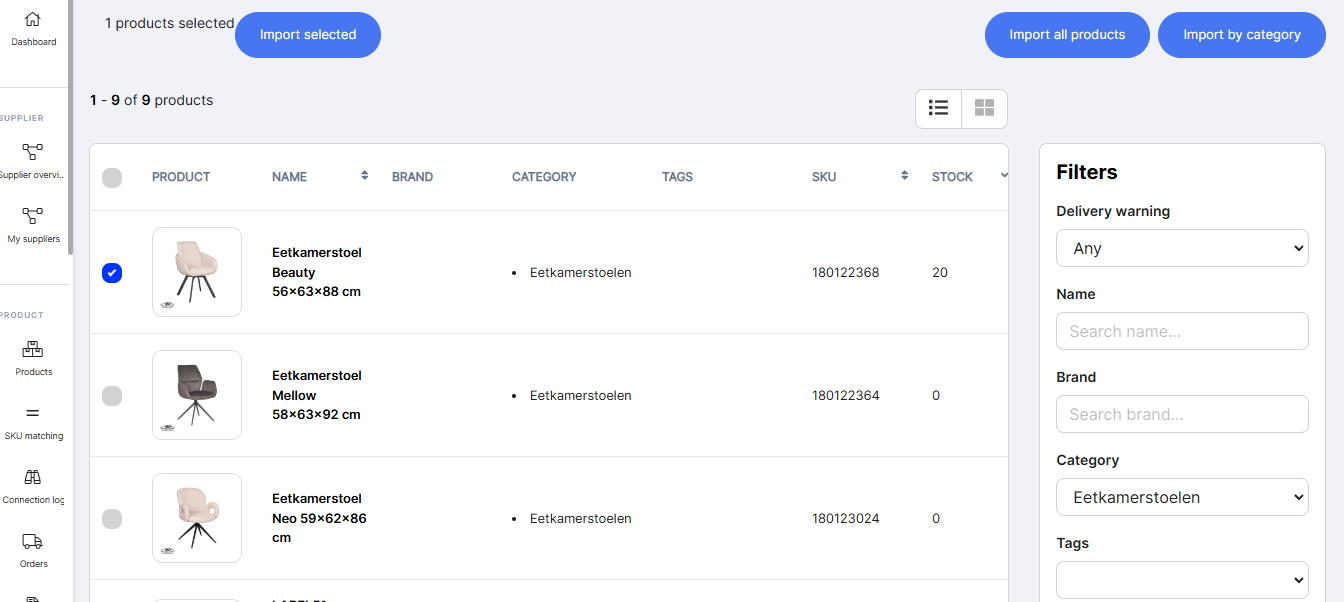
- Scroll down until you reach the product catalog.
- You can filter by category and select the product you're interested in via the check box on the far left.
If you want more information about the product, simply click on it. A new window will open with all the information about the product that we import to your website.

- Once you click "Upload Products" at the top right of the list, the products will be uploaded to your store and created in draft form within minutes.
- You'll also find the product on the product page. This avoids duplicate imports
Not available with the “Start” license : Translation
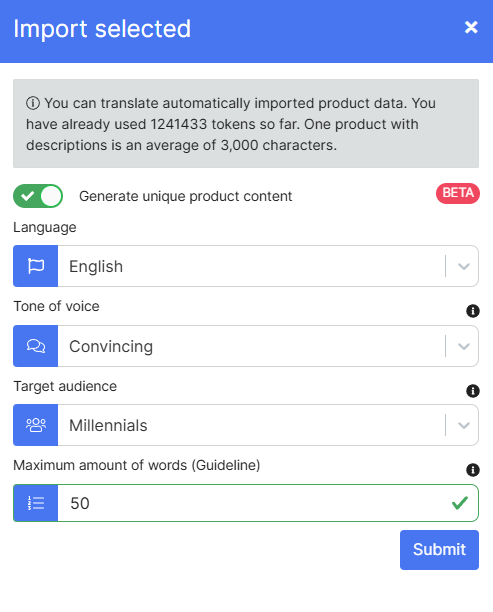
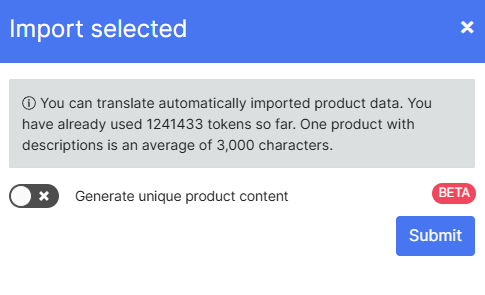
When you click "Import Selection", a window will open asking if you want the product data to be automatically translated. If you select this option, a field will open, allowing you to select your preferred language.
Only Available with “Premium” licenses : Unique content
When you click "Import Selection", a window will open asking if you want the product data to be automatically translated. If you select this option, a field will open, allowing you to select your preferred language. You also have the option of generating a personalized description. To do this, you must choose the tone to give, the target you want to reach and the number of words in the description.