Supplier part overview
In the Supplier part you will find
- Dashbord
After logging in with your account credentials, this is where you start.
You can access all the important tabs in the left sidebar, adjust your language settings in the top right, and see a small selection of suppliers you can connect with.
- Supplier
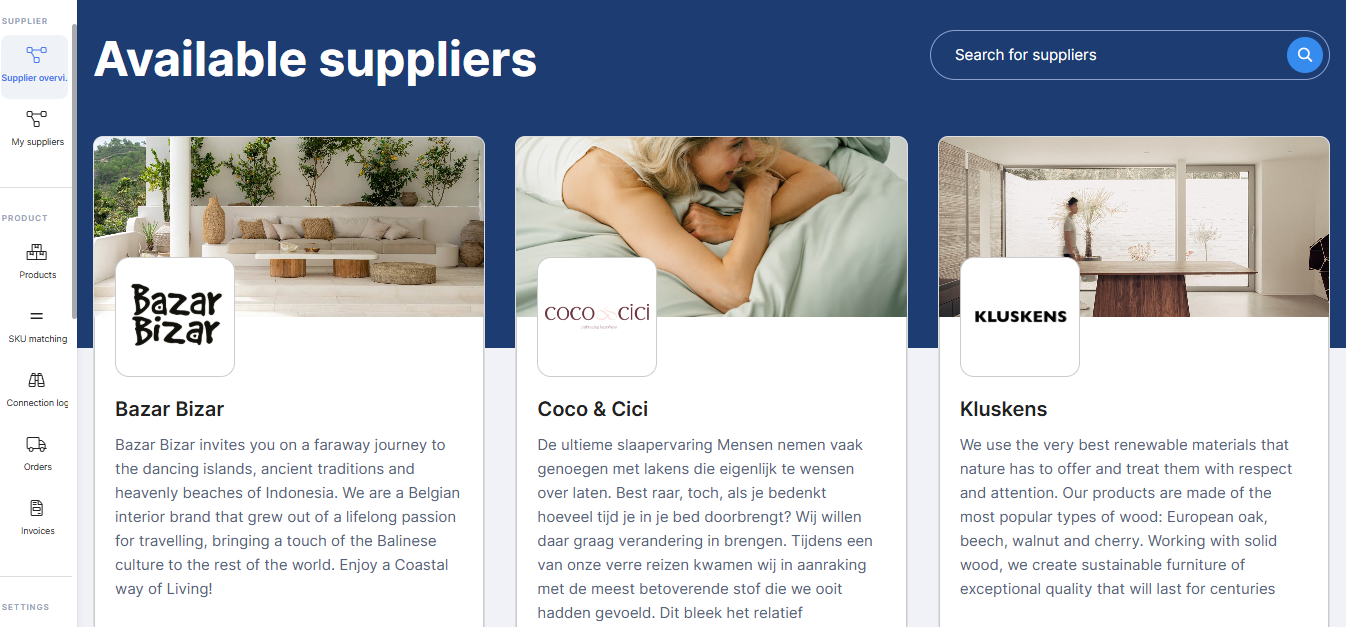
The supplier overview is where you will find all the different suppliers present on the platform. You can apply filters by category of products you want to see, or enter the name of a supplier, if you have a specific one in mind.
Each supplier is presented with their name and logo, as well as a description and the different categories of products they sell.
If a supplier seems interesting to you, you can simply click on its profile and the supplier's page will open. On the supplier's page, you can find more information about the supplier, such as shipping costs and supplier billing information.
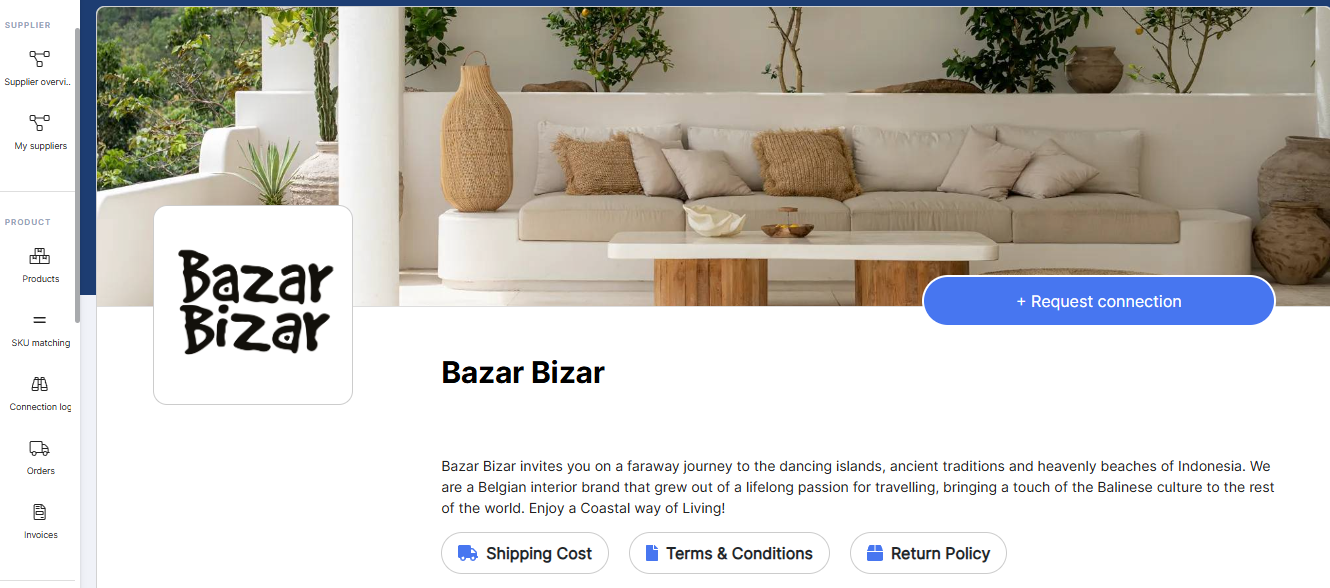
In the General Conditions you will find additional notes on supplier-specific circumstances, as well as whether the supplier allows the sale of its products on other marketplaces such as ebay and amazon or Bol.com. In this tab, you can also see if the supplier provides white label products, so you can sell the supplier's products under your brand.
At the top right, you see the “Request Connection” button, which will send a request to the provider, giving them the opportunity to review your store and brand and then accept or decline the connection.
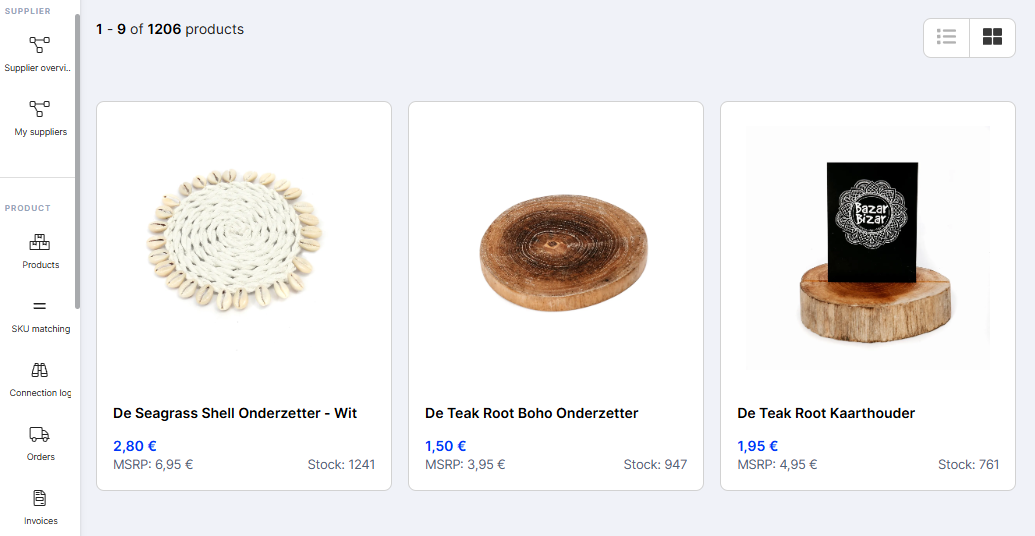
If you scroll to the bottom of this page you will find an overview of products.
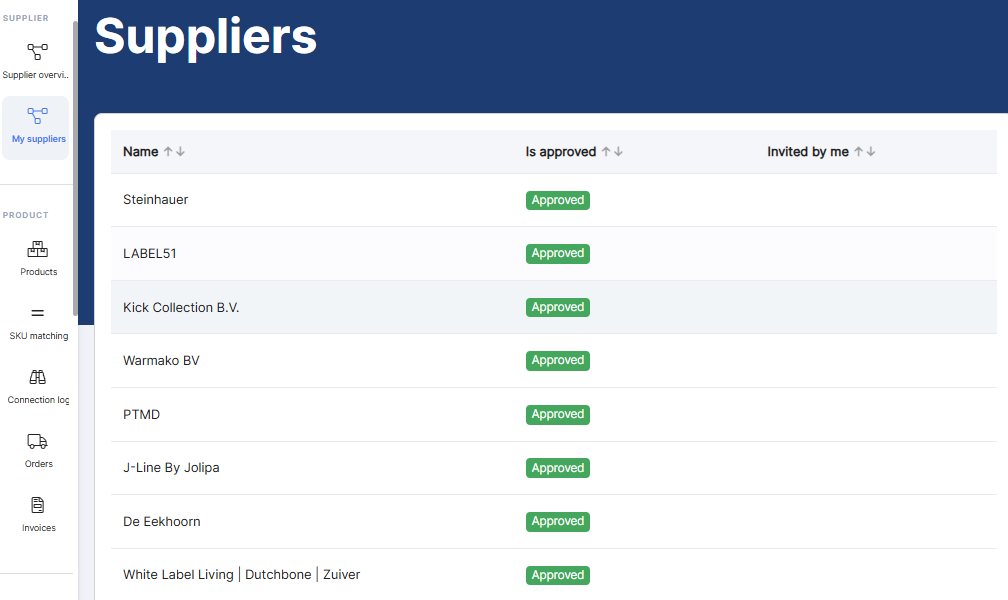
- My suppliers
When a connection request is sent, you can go to my suppliers and check the status of your request. Pending, accepted or refused.
As soon as your connection is accepted, you can click on the supplier and start selecting their products.