
Lightspeed webshop
After registering, you can follow these steps to connect your Lighspeed shop to Droppery
A direct installation of Droppery via the App Store is currently only available on the C-Series version of Lightspeed. An E-Series version is to follow
- In your Lightspeed dashboard, go to Applications
- In the search bar, type “Droppery » and click on it
- Click on "Download App »
- Once the app is installed, you will be asked to grant Droppery access to your store data.
- You will now be prompted to create an account or log in to your existing account.
-
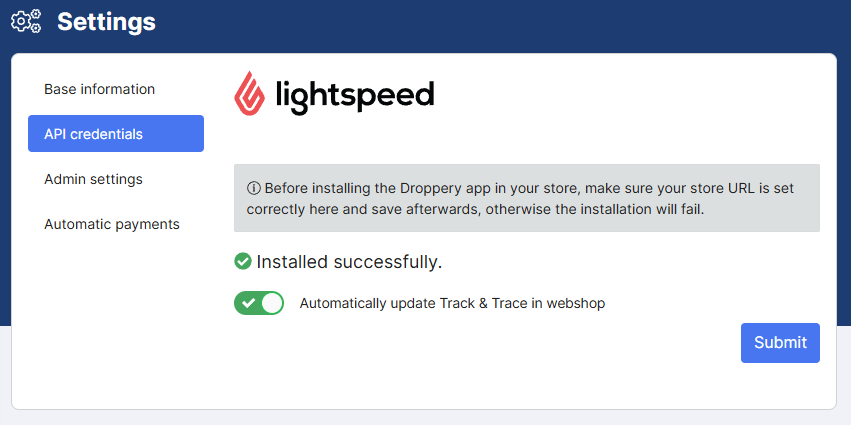
You can now use Droppery and all the features involved.